Regions Overview
To be able to keep track of your PVT data and models, it is important to start with a well thought out structure! This can be challenging, but together with our industry partners, whitsonPVT has developed a structure that works on an industry level for operators across the world!
The top level of the whitsonPVT hierarchy are Regions. A region can be small or large and represents a set of fluid systems that are linked together on a company-wide level. A region can be a single field (like the Volve field), or a basin (like the Duvernay basin), or even larger (like the North Sea).
The videos below will show how regions are implemented in whitsonPVT.
What is a region?
Region overview page
Giving Access to Additional Users
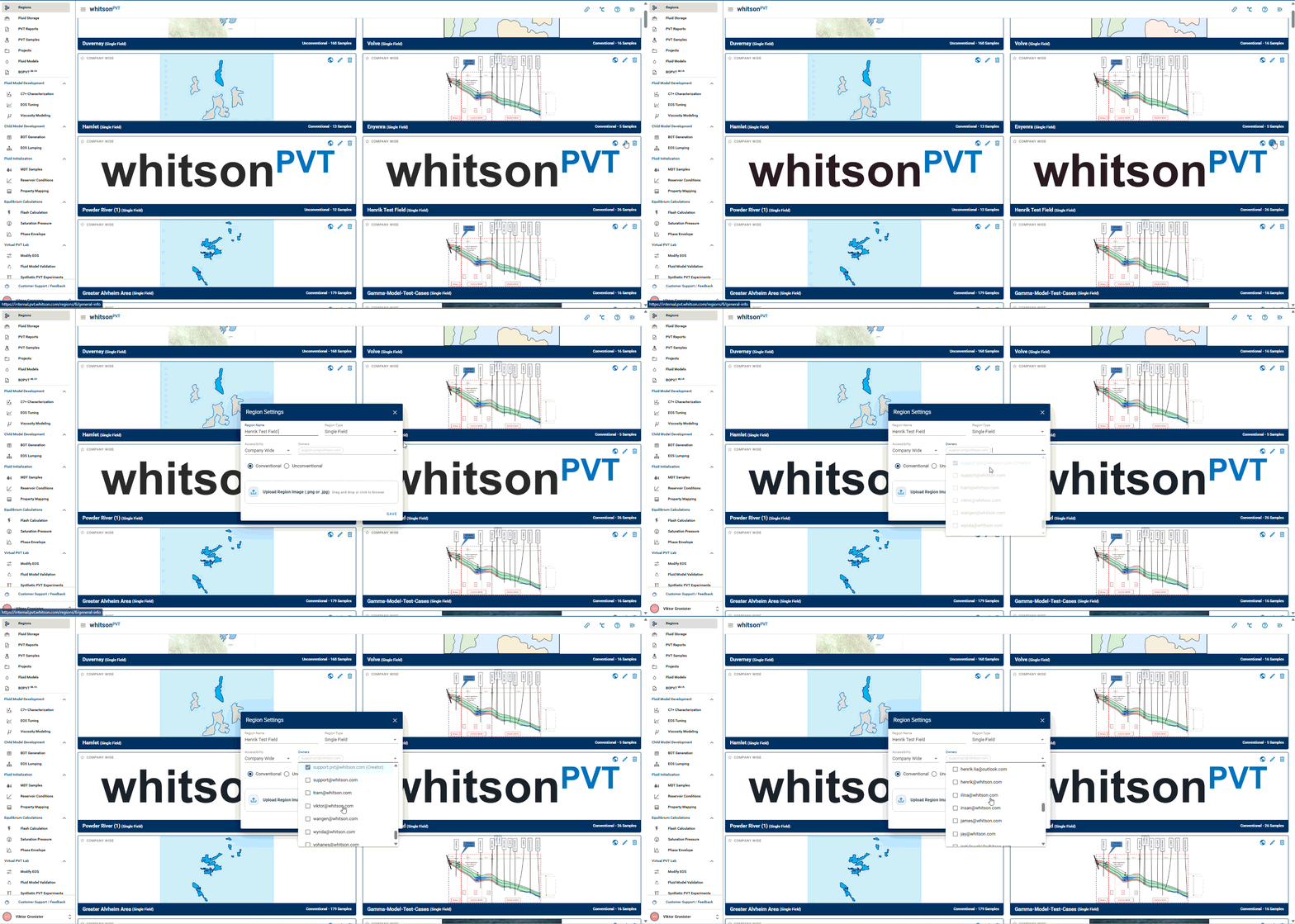
In addition to the Region features mentioned in the prior video, you also have the ability to give access to additional people for any region you have created. To do this, create a region and navigate to the Owners drop down. From there you are able to select any person from your organization that has logged into the software before. They will then be given access to the region. This can also be done for a region you have previously created. Simply edit the region and add additional users the same way. The two processes are shown in the following GIFs:
Adding Users to a New Region
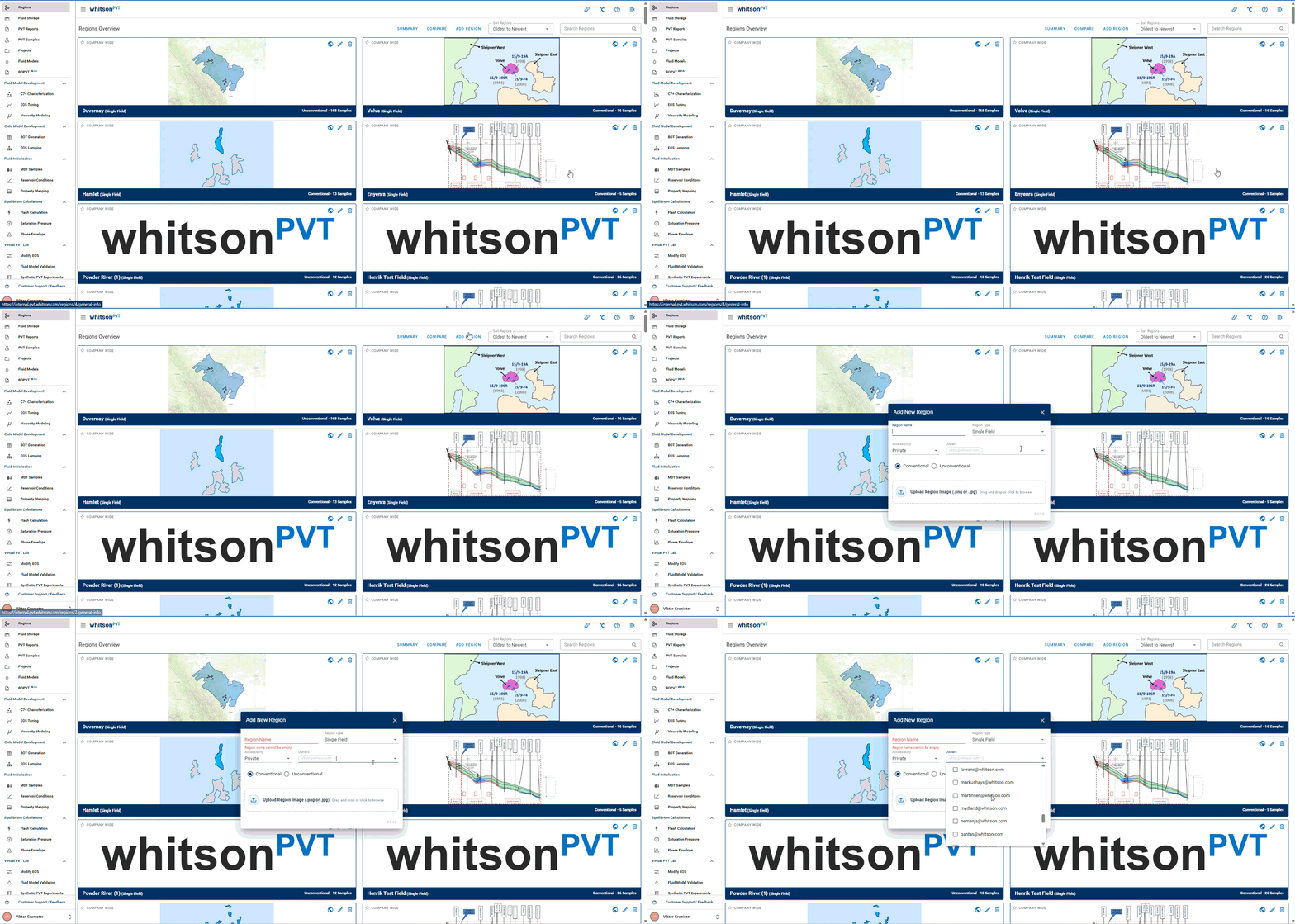
Adding Users to an Existing Region